How to design websites that work on every screen size
Practical ways to get layouts, text, images and menus behaving on tablets, laptops and big monitors, not just phones. So the site your client sees looks the way you designed it.
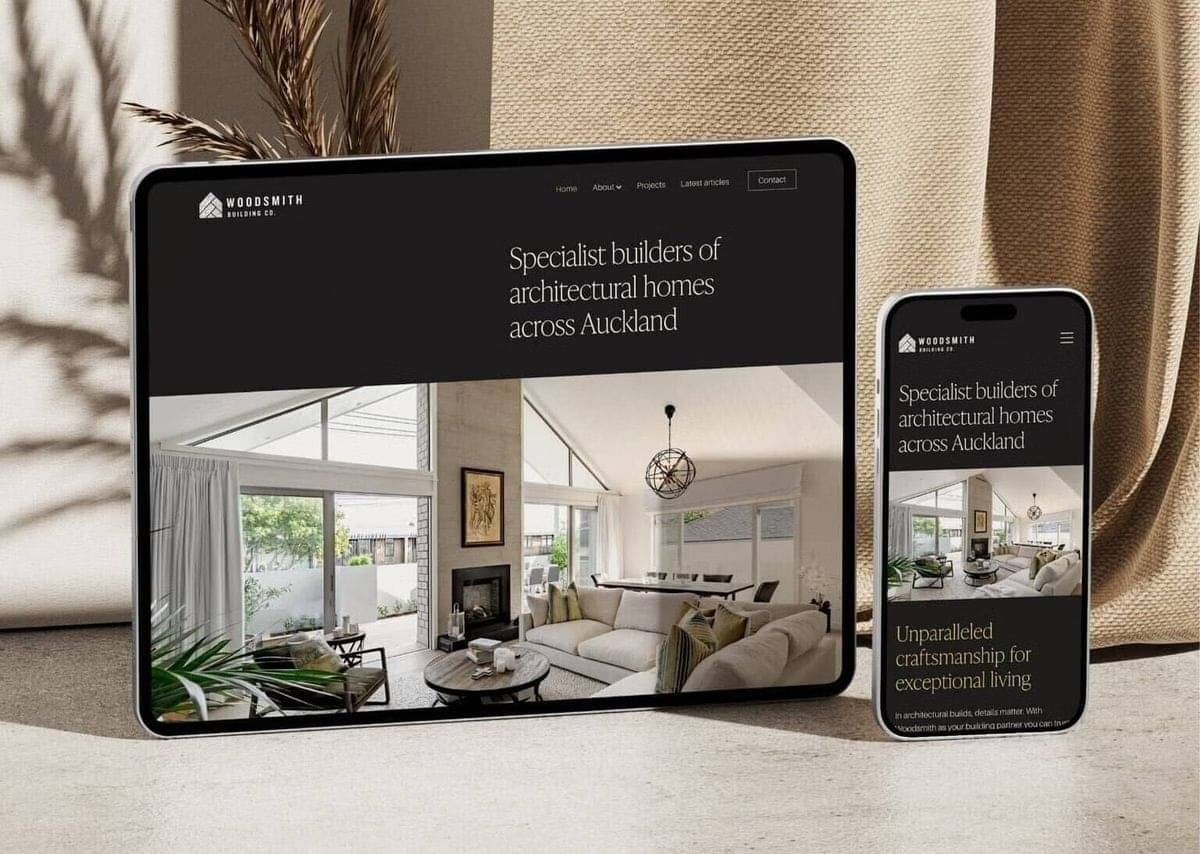
What you'll take away
Why text wrapping is the biggest culprit
How headings, email addresses and phone numbers end up split across lines on 13" and 15" laptops, and how to stop it.
Designing past the phone
Tablets, laptops and large monitors are where most sites quietly fall apart. What to check at each size.
Images and menus that scale
Getting hero images, galleries and navigation to hold their shape as the screen grows or shrinks.
A simple way to test before you hand over
A quick routine for checking a build across screen sizes without buying a cupboard full of devices.
Who you'll hear from

Carlos Barbosa
Head of Customer Success, Rocketspark
Carlos leads the team that partners and customers call when a site isn't behaving. He's seen hundreds of Rocketspark builds across every screen size there is, which means he knows exactly where layouts break, why they break and the quickest way to fix them. Expect real examples, not slides of theory.

Danielle Brown
Community Marketing Manager, Rocketspark
Danielle looks after the Creative Freedom community, the growing network of designers who build on Rocketspark. She hosts the session, runs the breakouts and keeps things moving. If you want to connect with other designers after the webinar, or hear about the next event, she's the one to talk to.
Good to know
Do I have to turn my camera on or speak?
No. Breakouts are small and relaxed, but you can listen only. All the interaction runs through Slido so you can type instead of talk.
What if I can't make 12 PM?
Register anyway. Carlos's session and the Q&A are recorded and we'll email you the video. The breakouts aren't recorded.
Do I need anything to join?
A Google Meet link (sent when you register) and a browser. Slido runs inside Meet, nothing to install.
Is it free?
Yes. It's part of what we do for design partners.
Save your seat
Thursday 29 October 2026, 12 PM to 1 PM NZDT. Online.