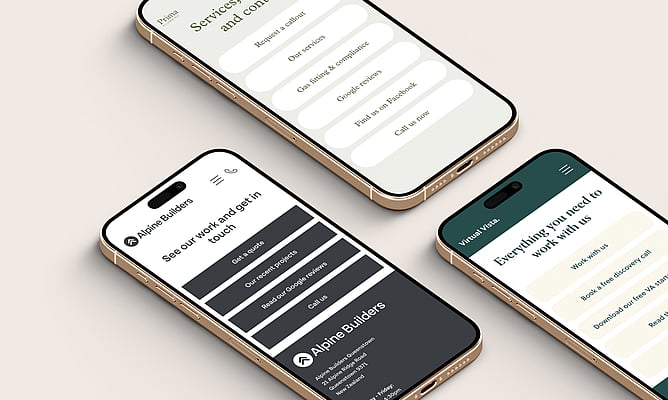
You've probably seen them everywhere. That single link in an Instagram or TikTok bio that opens up a neat little page full of clickable buttons. A link in bio page is how people and businesses get around the link limitation on social media profiles, directing followers to all the places that matter: your website, your latest blog post, a booking page, a special offer, your other social channels.
Most people reach for a separate tool to create one. But if you already have a Rocketspark website, you don't need anything extra. You can build a link in bio page right inside your existing website, and the result is going to look a whole lot better.
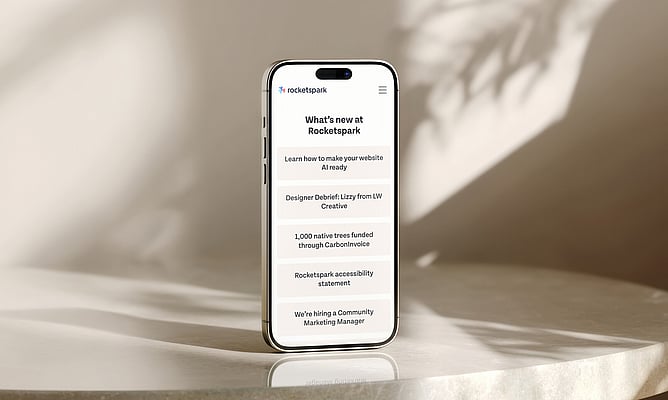
We've just done exactly that for our own page, and we wanted to share how it works.
What is a link in bio page?
A link in bio page is a simple, mobile-first landing page that acts as a hub for all your important links. Instead of choosing just one URL for your social bio, you point people to this page, and from there they can tap through to whatever's most relevant: your homepage, a specific product or service, a booking form, your Google reviews, or your other social profiles.
Why build it on your own website?
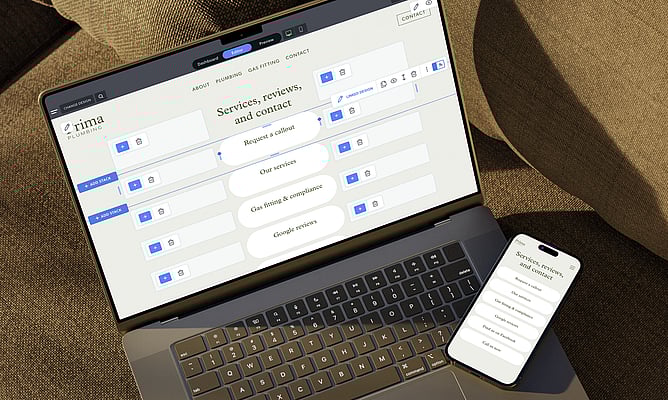
When your link in bio page lives on your own domain, every click lands on your website, not someone else's. That's better for your brand and better for your SEO. It also means the page automatically matches your fonts, colours, and overall design. No awkward brand mismatch, no "powered by" watermark, no generic templates. It just looks like you.
You're also not paying for another subscription or managing another login. Everything lives in the same place you already manage your website, so updating a link takes seconds.
And because it's a real web page, you're not limited to a list of buttons. Want to add a video, an image gallery, a contact form, or a map? Go for it 🚀
How to create one with Rocketspark
If you've got a Rocketspark website, you already have everything you need. A link in bio page is just a regular page, designed with a specific purpose in mind.
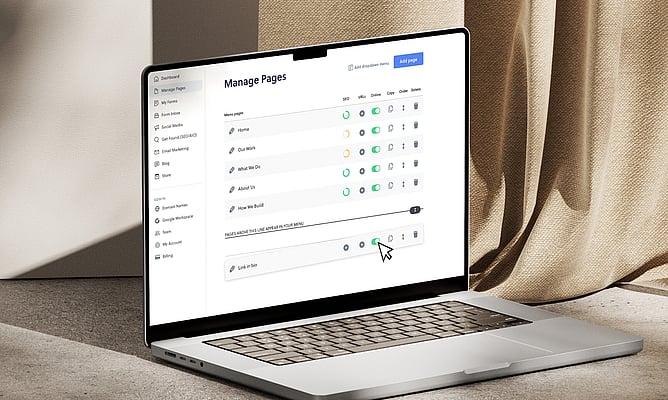
Create a new page in the Rocketspark editor. Call it something like "link-in-bio" or "links" so the URL is clean and easy to remember (yourdomain.com/link-in-bio).
Design it for mobile first. Most people clicking a link in your social bio are on their phone, so think vertical, think tappable, think simple. Use clear buttons or linked images stacked in a single column.
Add your key links. Your services page, a booking link, your latest content, a special offer, your Google reviews, your other social profiles. Keep it focused on what matters most right now.
Hide it from your main navigation if you like. The page can exist as a standalone landing page, only accessible via the direct URL you pop into your social bios.
Update it whenever you need to. New blog post? Seasonal promotion? Just hop into the editor and swap out a link. You're already there.
See ours in action
We've set up our own link in bio page at rocketspark.com/link-in-bio. We kept it simple and clean, because that's really all our link in bio page needs to be. A clear layout, the links that matter, and nothing getting in the way. Take a look to see how easy it is when you build it on your own website.
If you're a designer working with clients, this is a great value-add to offer. Next time you're building or updating a client's website, suggest adding a link in bio page. It's a quick win that makes their social media work harder.
Not on Rocketspark yet? Start your free trial and see how easy it is to build a website that does more for your business.